 Fast File Shift
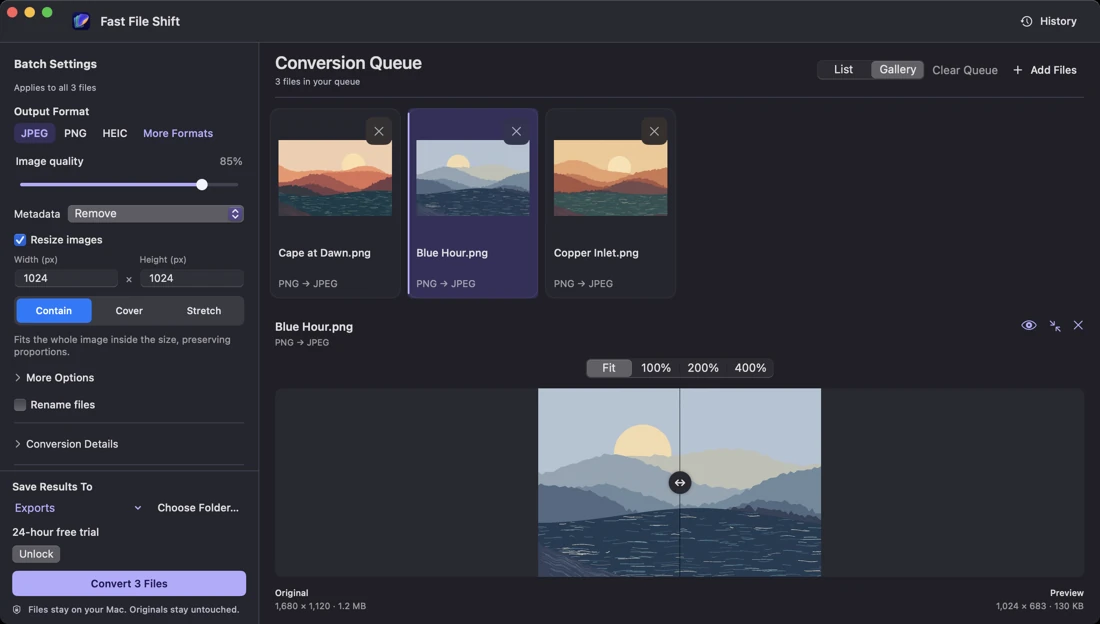
Check a representative file
Open a photo in the queue and slide between the original and converted preview. Check fine detail, adjust quality and then choose where the finished copies go. Click Convert. Show Results takes you to the output in Finder.
Group files by what they need to become
A batch uses one file category, one output format and one set of options. Different image types can share a batch when they can all produce the selected format. A movie in a photo folder is skipped and reported. Start a video batch when you want MP4s.
Make the next delivery easier
Save the format, dimensions and naming rules as a preset for next time. Need a second size from this shoot? Choose Reuse Originals, change the dimensions and save the second set. Your original photos stay intact.